Multi-Platform Code Generator
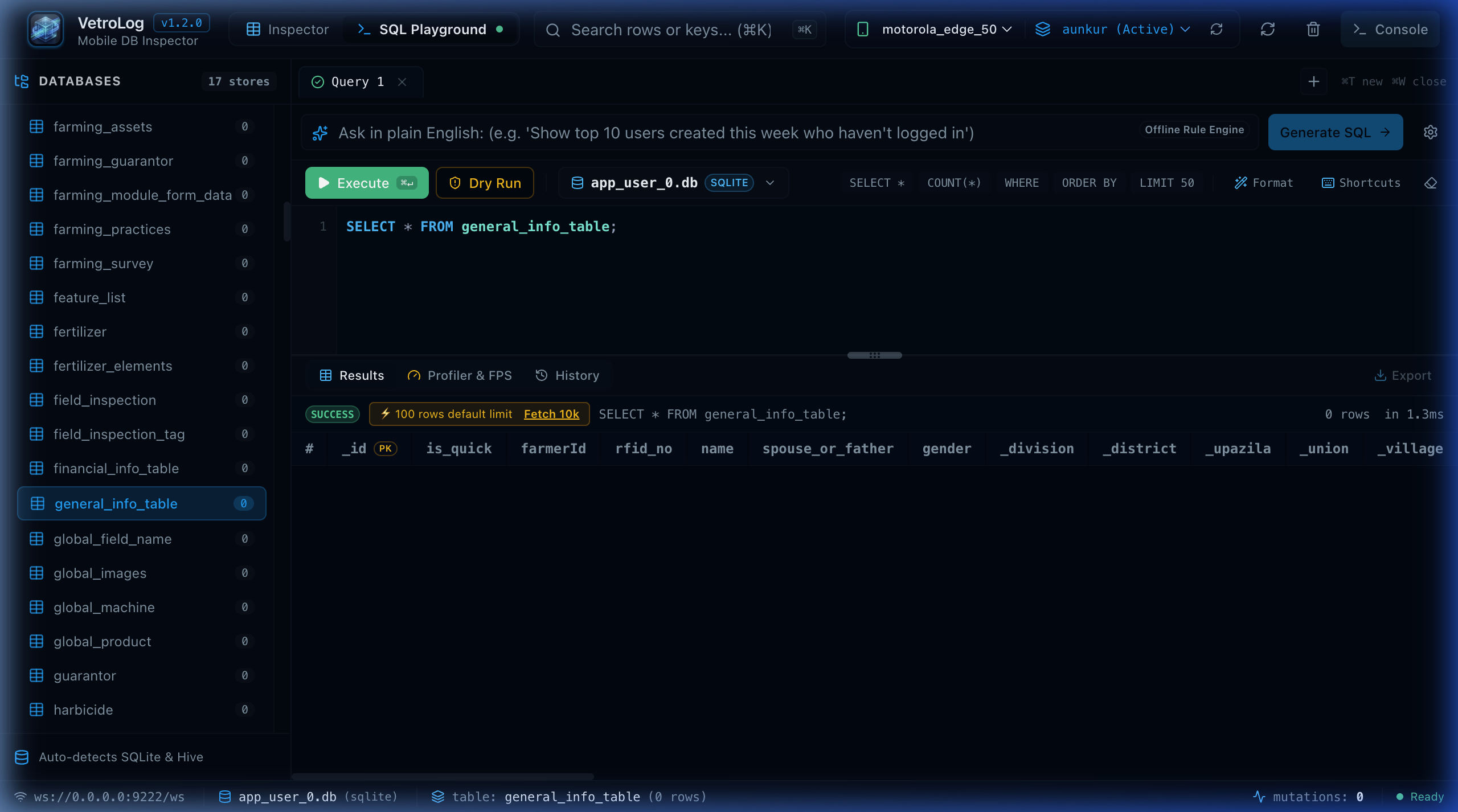
Writing and testing queries in VetroLog is only half the battle. You still need to integrate the tested query into your mobile app code.
The Code Generator exports your active SQL query directly into production-ready code snippets across 5 mobile frameworks and languages.
📱 Supported Frameworks & Languages
1. Flutter (sqflite & drift)
sqflite (Raw Query)
Future<List<Map<String, dynamic>>> fetchActiveFarmers(Database db) async { return await db.rawQuery(''' SELECT f._id, f.name, p.crop_type FROM general_info_table f JOIN farming_practices p ON f._id = p.farmer_id LIMIT 50; ''');}Drift (Reactive Typed SQL)
Stream<List<QueryRow>> watchActiveFarmers() { return customSelect( 'SELECT f._id, f.name, p.crop_type FROM general_info_table f JOIN farming_practices p ON f._id = p.farmer_id LIMIT 50;', readsFrom: {generalInfoTable, farmingPractices}, ).watch();}2. Android Native (Kotlin & Room)
Android Room DAO
@Daointerface FarmerDao { @Query(""" SELECT f._id, f.name, p.crop_type FROM general_info_table f JOIN farming_practices p ON f._id = p.farmer_id LIMIT 50 """) suspend fun getActiveFarmers(): List<FarmerPracticeRecord>}3. iOS Native (Swift & GRDB)
GRDB.swift
func fetchActiveFarmers(db: Database) throws -> [Row] { let sql = """ SELECT f._id, f.name, p.crop_type FROM general_info_table f JOIN farming_practices p ON f._id = p.farmer_id LIMIT 50; """ return try Row.fetchAll(db, sql: sql)}4. Go (sqlx & Backend)
Go sqlx
type FarmerResult struct {    ID       int64  `db:"_id"`    Name     string `db:"name"`    CropType string `db:"crop_type"`}
func GetActiveFarmers(ctx context.Context, db *sqlx.DB) ([]FarmerResult, error) {    query := `        SELECT f._id, f.name, p.crop_type        FROM general_info_table f        JOIN farming_practices p ON f._id = p.farmer_id        LIMIT 50;    `    var list []FarmerResult    err := db.SelectContext(ctx, &list, query)    return list, err}
📋 1-Click Clipboard Copy
- Switch to the Export Code tab in the bottom panel.
- Select your framework (Flutter Drift, Flutter sqflite, Android Room, iOS GRDB, or Go).
- Click the Copy Code button.
- Paste the snippet directly into your repository!
Next Steps
- Read dedicated framework guides in Flutter Integration or Android Integration.