Real-Time WAL Sync
Modern mobile applications (Flutter sqflite, Android Room, iOS GRDB) enable SQLite WAL (Write-Ahead Logging) mode by default for performance and concurrency.
Understanding how WAL works is key to understanding why VetroLog delivers true live synchronization while older inspection tools fail.
💡 The Problem with Traditional Tools in WAL Mode
In SQLite WAL mode:
- Reads and writes happen concurrently.
- New inserts, updates, and deletes are not written immediately into the main
.dbfile. - Instead, mutations are written into a companion
-wal(Write-Ahead Log) file, coordinated by an index in a-shm(Shared Memory) file:
databases/├── app_user_0.db <-- Base database (can remain stale for hours)├── app_user_0.db-wal <-- Active live mutations written by the phone└── app_user_0.db-shm <-- Shared memory indexIf a tool only reads app_user_0.db, it will miss recent transactions!
⚡ How VetroLog Achieves Real-Time Sync
VetroLog monitors all three files (.db, .db-wal, and .db-shm) simultaneously inside the mobile app’s private sandbox:
sequenceDiagram    participant App as Mobile App (Flutter / Android)    participant Phone as Phone Sandbox (SQLite WAL)    participant VetroLog as VetroLog Engine    participant UI as DataGrid Table Viewer
    App->>Phone: INSERT INTO orders VALUES (...)    Phone-->>Phone: Writes to app.db-wal (timestamp updates)    VetroLog->>Phone: Background WAL state check (every 3s)    Phone-->>VetroLog: Detected WAL mutation event    VetroLog->>Phone: Reads latest snapshot via SQLite engine    Phone-->>VetroLog: Latest rows returned    VetroLog-->>UI: Increment table badge & refresh table smoothly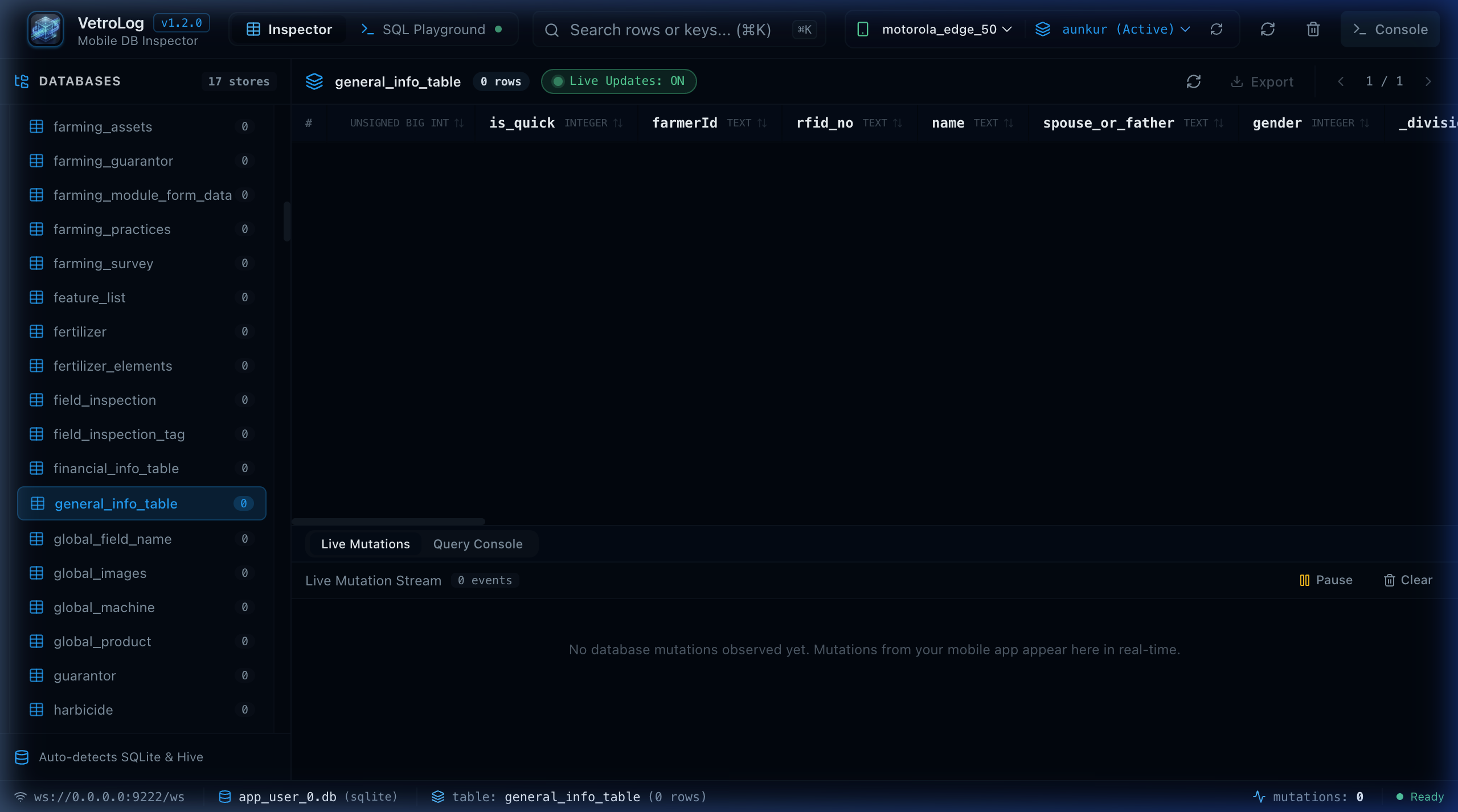
- Lightweight Timestamp Monitoring: VetroLog checks the modification timestamp and byte size of the
.db-walfile. - Zero Mobile CPU Impact: The check is extremely lightweight, requiring zero CPU overhead or battery drain on the mobile device.
- Automatic Seamless Refresh: When you trigger an action in your mobile app (e.g. submitting a form, checking off a todo item, adding an item to cart), VetroLog detects the WAL change and updates the active table view instantly without requiring a manual page refresh.
⏸️ Live Updates Toggle: ON vs OFF
In the DataGrid toolbar, you will find the Live Updates switch:
🟢 Live Updates: ON(Default): VetroLog actively syncs every new mutation from your mobile device to your desktop screen in real time.⚪ Live Updates: OFF(Paused): Pauses live synchronization. This is useful when you want to examine or analyze a frozen snapshot of table records while testing high-throughput background operations on the phone.
Next Steps
- Discover how to edit and write data back to your phone in Bidirectional Data Editing.
- Learn how to query your data in the SQL Playground.