
Flutter Database Guide (sqflite & Drift)
Flutter is one of the most popular mobile frameworks. Most Flutter applications persist relational data using either sqflite or drift (formerly Moor).
VetroLog provides first-class support for Flutter SQLite databases out of the box with zero plugins.
📂 Where Flutter Stores Database Files
In Flutter, developers typically obtain the database path via one of two methods:
1. getDatabasesPath() (Standard sqflite)
Stores files in the system database path:
/data/data/<package_name>/databases/my_database.db2. getApplicationDocumentsDirectory() (path_provider & Drift)
Stores files inside the application documents path:
/data/data/<package_name>/app_flutter/my_database.db🚀 Running Your Flutter App for Inspection
To inspect your Flutter database:
- Connect your phone via USB or start an emulator.
- Launch your Flutter app in debug mode:
(Debug mode automatically sets
Terminal window flutter runandroid:debuggable="true"in the Android manifest). - Open VetroLog.
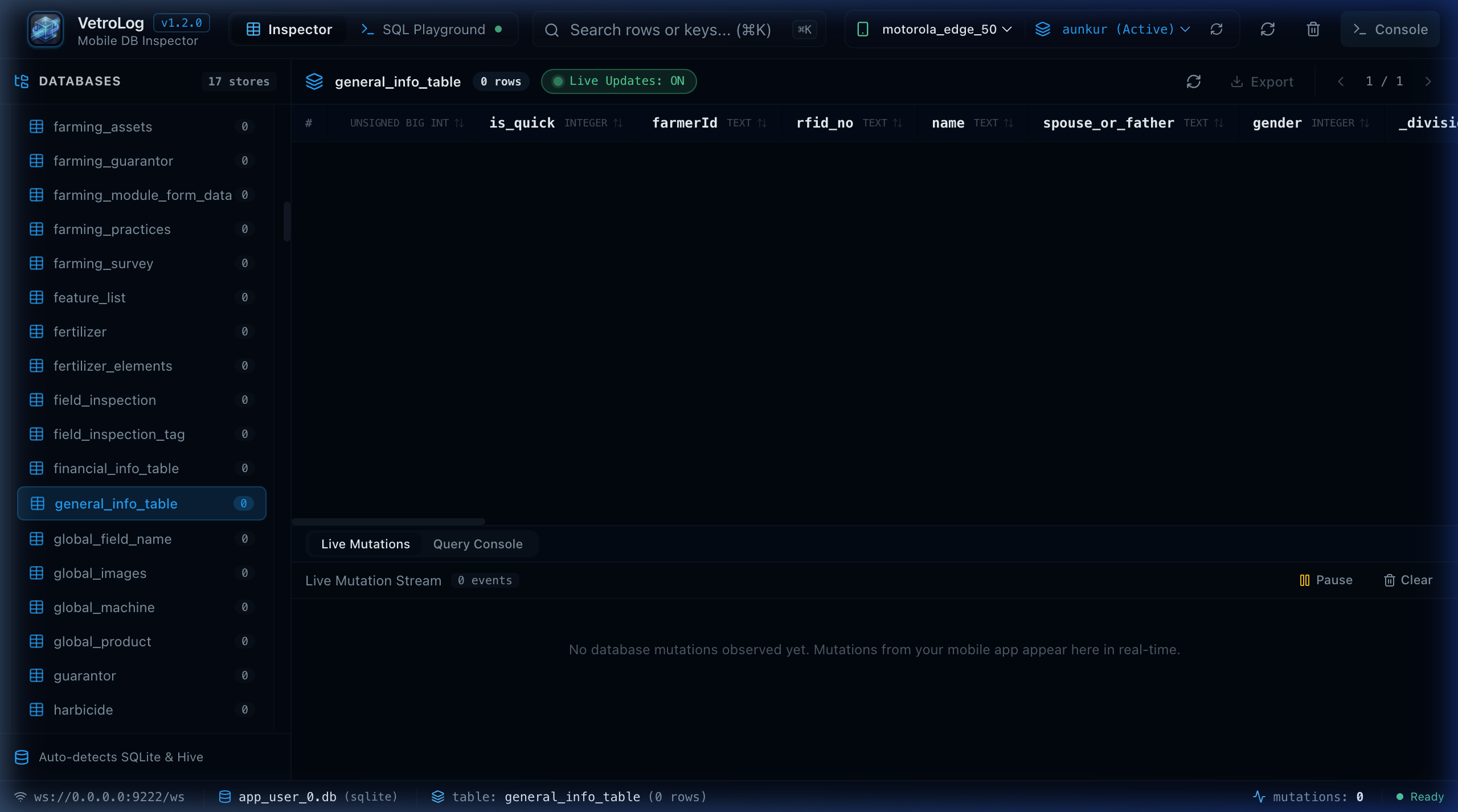
- In the top bar, select your device and pick your app package name (e.g.
com.example.my_flutter_app (Active)). - All SQLite databases created by
sqfliteordriftwill appear in the sidebar immediately.
🔄 Reactive UI Updates with Drift & StreamBuilder
If your Flutter app uses reactive queries:
- Drift:
database.select(database.users).watch() - sqflite: Wrapped in a custom
StreamControllerorValueNotifier
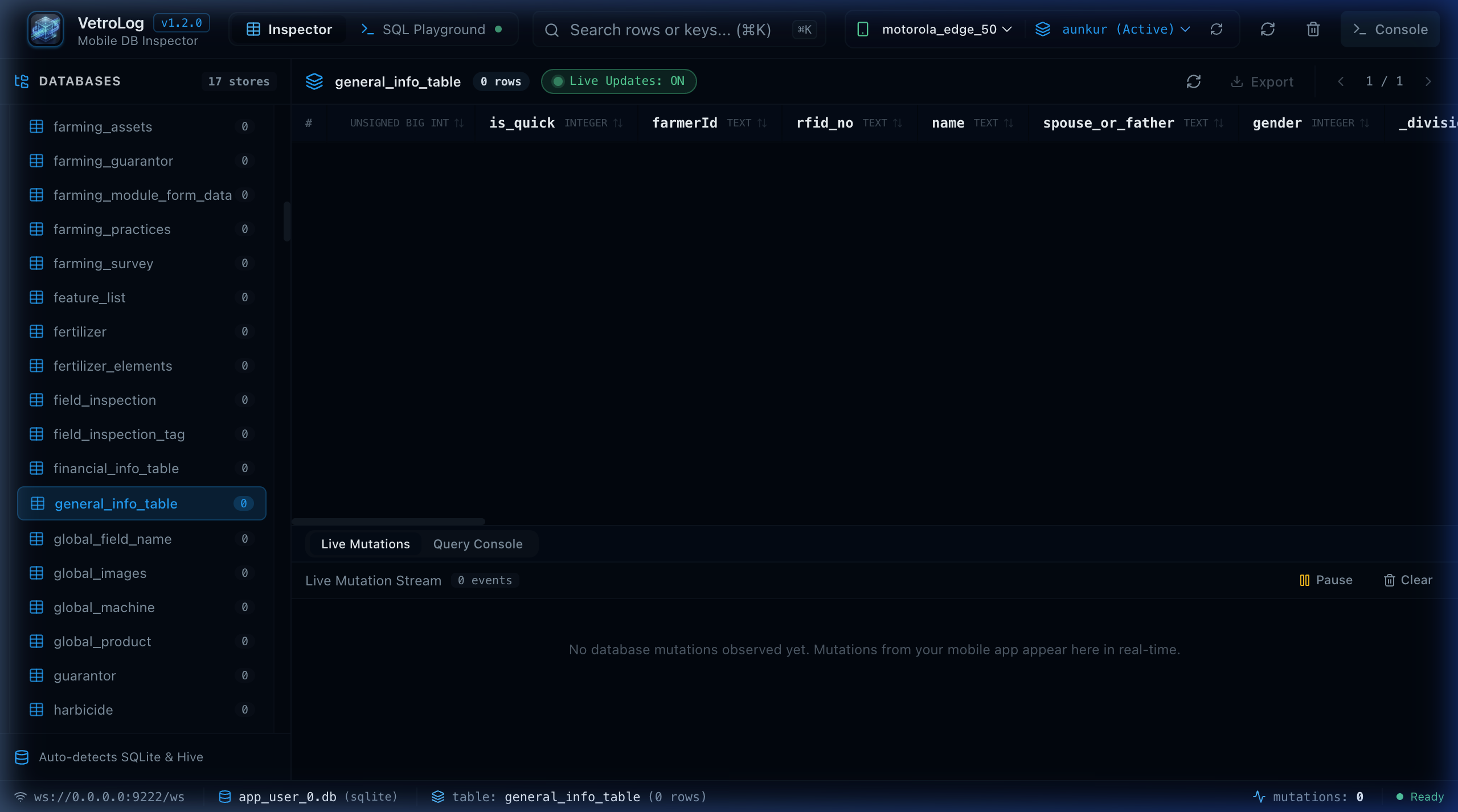
When you edit a cell or delete a row in VetroLog:
- VetroLog writes the mutation directly to the phone’s SQLite database.
- The file system notifies the SQLite file watcher.
- Your Flutter UI updates instantly on the phone screen without restarting the app!
🛠️ Recommended SQLite Configuration in Flutter
To get optimal performance and real-time synchronization in Flutter, ensure WAL mode is enabled:
import 'package:sqflite/sqflite.dart';
Future<Database> openMyDatabase() async {  return await openDatabase(    'my_app.db',    version: 1,    onConfigure: (db) async {      // Enable foreign keys      await db.execute('PRAGMA foreign_keys = ON;');      // Enable Write-Ahead Logging for high performance & live sync      await db.execute('PRAGMA journal_mode = WAL;');    },  );}
Next Steps
- Inspect tables live with the Live Table Inspector.
- Generate and test queries in the SQL Playground.