
Native Android Guide (Room & SQLite)
For native Android developers using Kotlin or Java, the dominant persistence library is Android Room (built on top of SQLite).
VetroLog provides zero-config inspection for all Room databases, standard SQLiteOpenHelper implementations, and SharedPreferences XML files.
📂 Where Native Android Stores Data
Android stores app-private data in sandbox subdirectories:
- SQLite & Room Databases:
/data/data/<package_name>/databases/<database_name>.db/data/data/<package_name>/databases/<database_name>.db-wal/data/data/<package_name>/databases/<database_name>.db-shm
- Android SharedPreferences:
/data/data/<package_name>/shared_prefs/<name>.xml
🚀 Running Your Android App for Inspection
- Open your project in Android Studio.
- Select a connected phone or emulator from the device menu.
- Click the green Run (▶) or Debug (🐞) button.
- Debug builds built via Gradle automatically include
android:debuggable="true"in the mergedAndroidManifest.xml.
- Debug builds built via Gradle automatically include
- Open VetroLog.
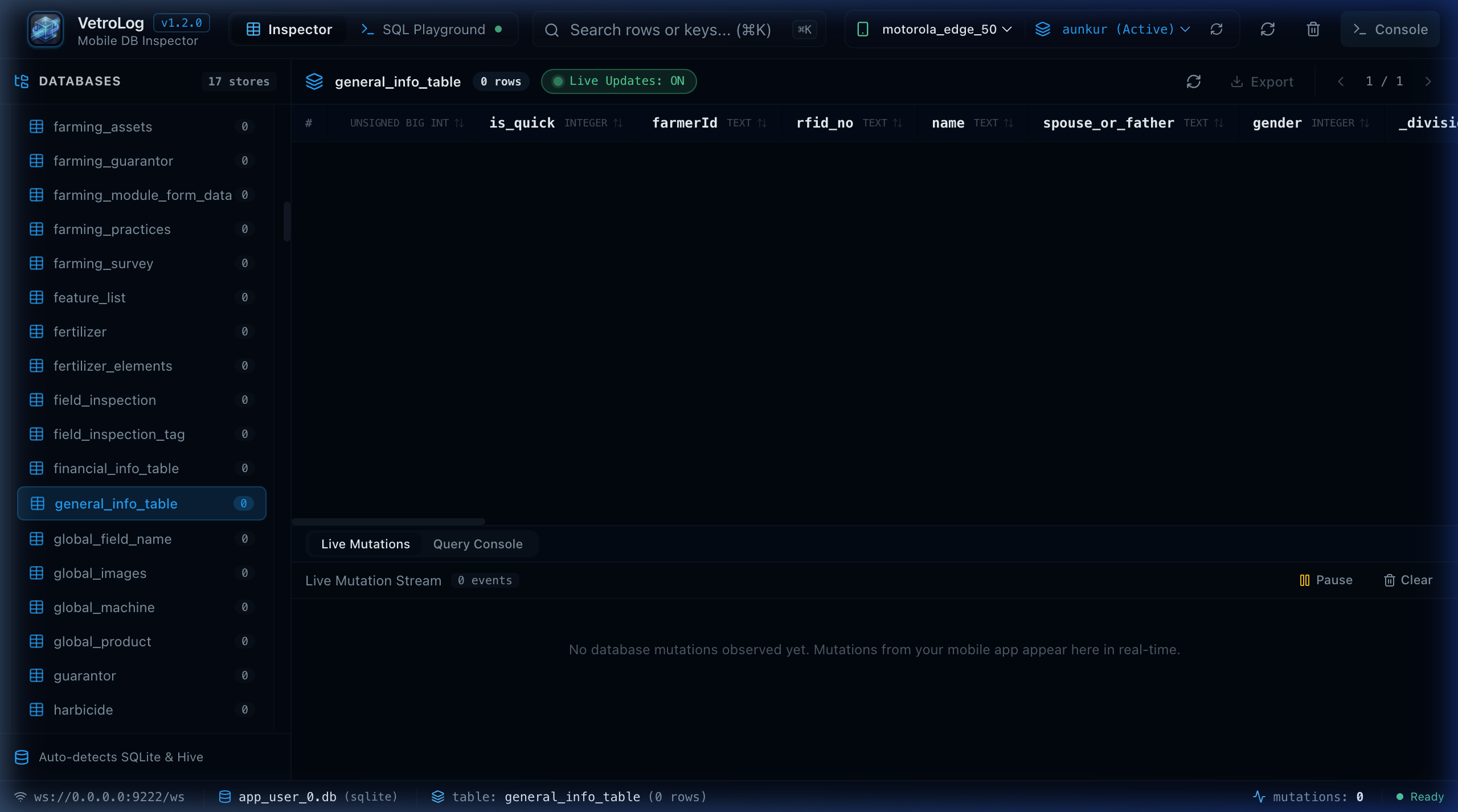
- Select your device from the header and choose your application package (e.g.
com.example.androidapp (Active)). - Your Room database and its entities will immediately load in the sidebar.
🔄 Room LiveData & Kotlin Flow Reactivity
Android Room uses invalidation trackers to observe table mutations. When you use reactive queries in your DAO:
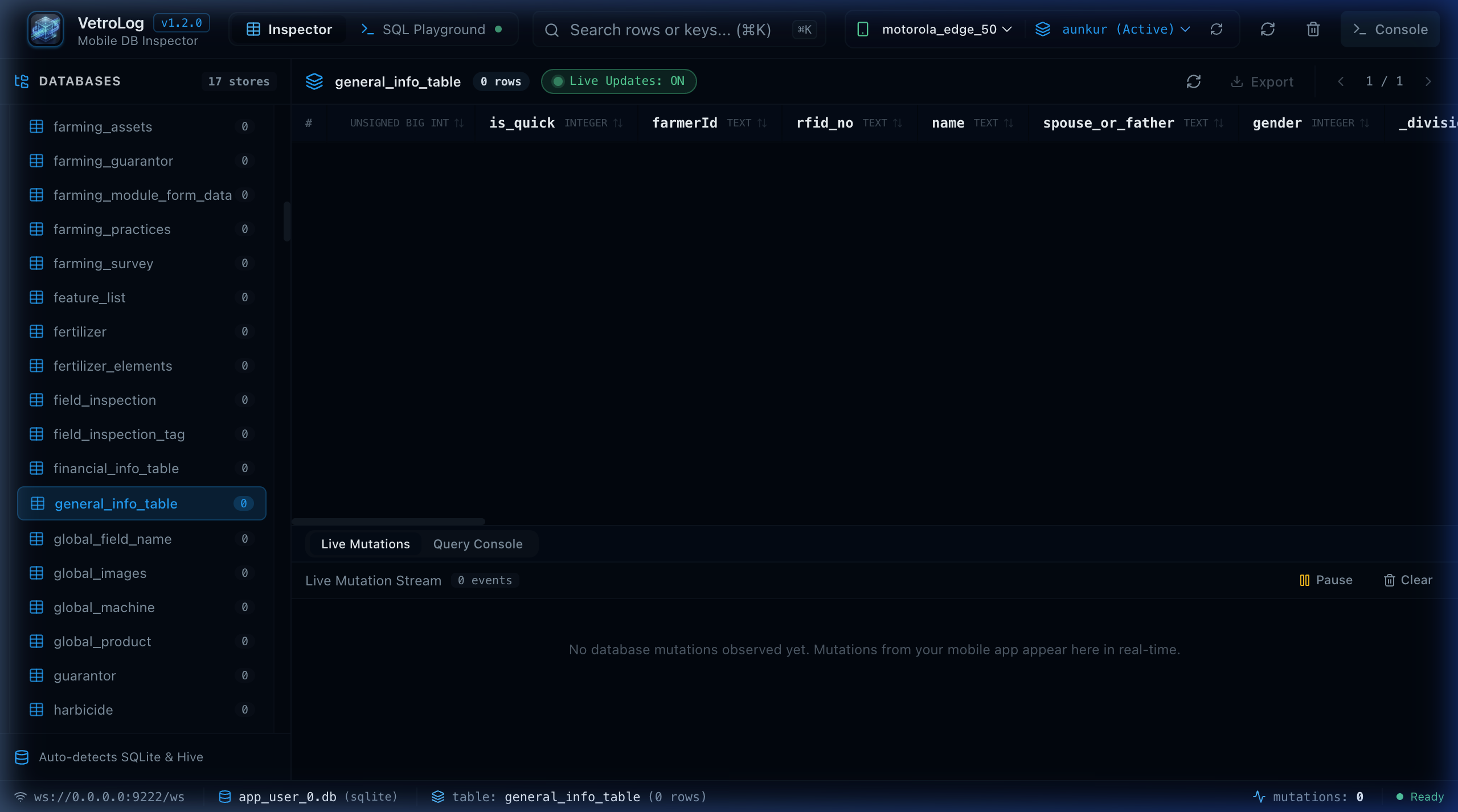
@Daointerface UserDao { @Query("SELECT * FROM users ORDER BY name ASC") fun observeAllUsers(): Flow<List<UserEntity>>}When you edit or delete records in VetroLog:
- VetroLog commits the edit to the SQLite table via ADB.
- Room’s SQLite trigger / content observer fires.
- The Kotlin
FloworLiveDataemits the new list to your UI automatically!
🛠️ Recommended Room Configuration
When building your Room database with Room.databaseBuilder(), ensure multi-instance invalidation is enabled if you perform writes from multiple processes:
val db = Room.databaseBuilder( context.applicationContext, AppDatabase::class.java, "app_database.db") .enableMultiInstanceInvalidation() .build()Next Steps
- Use the Index Advisor to optimize Room
@Queryperformance. - Check out the Common Issues Guide for ADB troubleshooting.