Web Server Mode (Headless & Remote Inspection)
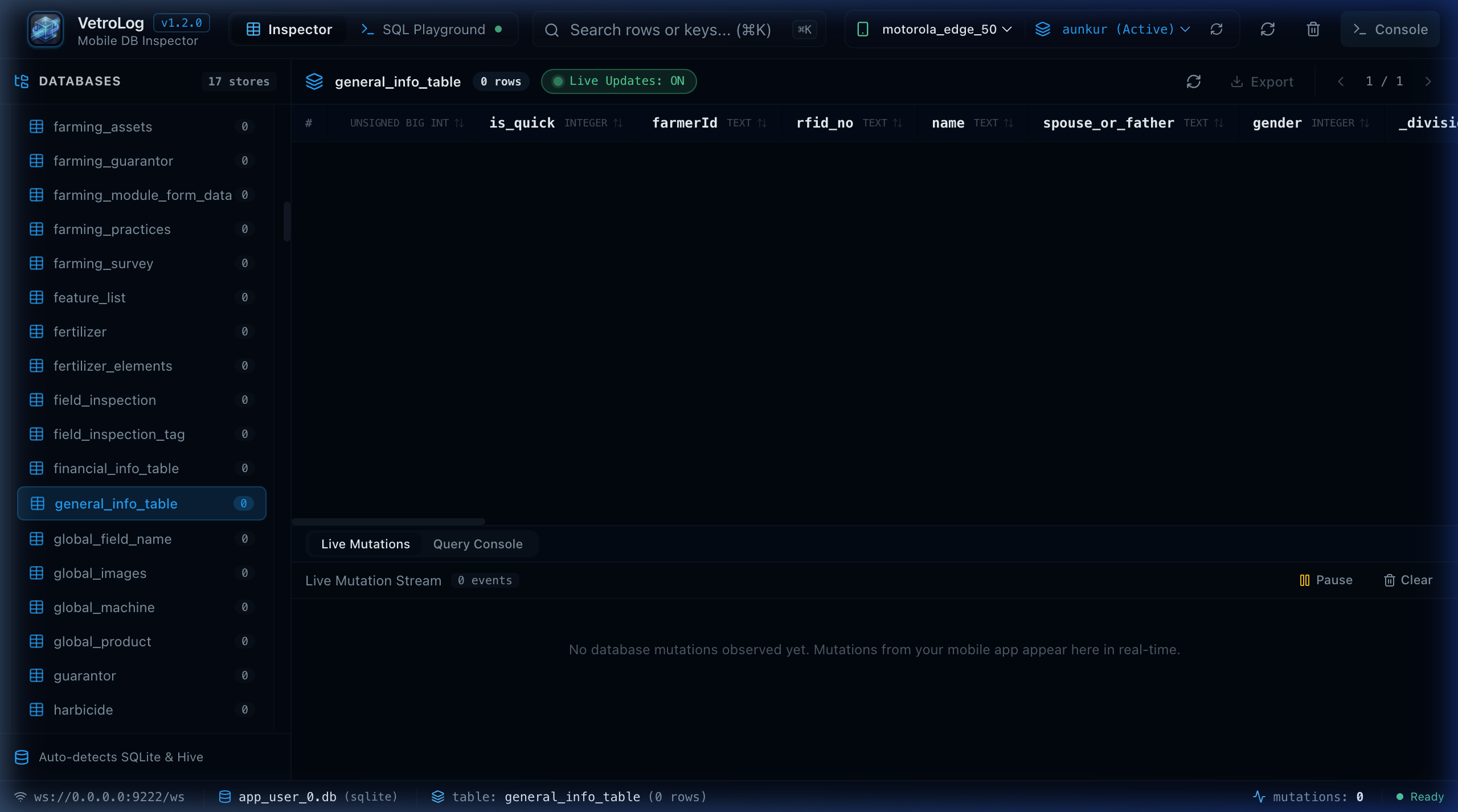
While VetroLog defaults to a native desktop window (via Wails v2), it also includes an embedded HTTP Web Server mode.
This allows you to inspect mobile databases directly in Google Chrome, Safari, Firefox, or Edge, or run VetroLog on a remote headless machine, Docker container, or CI/CD test environment.
🌐 Launching Web Server Mode
You can launch Web Server mode using either the --web flag or the serve command:
# Standard launch (auto-opens http://localhost:8787 in your default browser)./vetrolog --web
# Or use the serve command./vetrolog serve
🛠️ Configuration Flags
Custom Port
By default, VetroLog binds to port 8787. You can customize the listening port:
./vetrolog --web --port 9090Headless Mode (Disable Auto-Opening Browser)
If you are running VetroLog via an SSH terminal or background script:
./vetrolog --web --no-browser🖥️ Remote Inspection over Local Network or SSH Tunnel
If your Android device is connected to a remote office machine or continuous testing workstation, you can inspect it from your personal laptop:
Option A: SSH Port Forwarding
# Forward port 8787 from the remote machine to your local laptopssh -L 8787:localhost:8787 developer@remote-workstation
# On the remote machine:./vetrolog --web --no-browser
Now, open http://localhost:8787 on your laptop!
Option B: Local Network Binding
Run VetroLog on the host machine and access it from any browser on the same Wi-Fi / LAN by navigating to http://<host-ip>:8787.
🏗️ Architecture Under the Hood
In Web Server mode:
- Go starts an embedded HTTP server using
net/http. - Serves the pre-compiled React 19 single-page application from
frontend/dist. - Exposes REST endpoints (
/api/adb/devices,/api/adb/apps,/api/adb/databases,/api/adb/query). - The client-side
apiBridge.tsautomatically detects the browser environment (isWailsApp() === false) and transparently routes all requests through the HTTP REST API instead of Wails desktop IPC!
Next Steps
- View all command-line arguments in the CLI Reference.
- Learn how automated builds work in CI/CD & Releases.