Official VS Code Extension
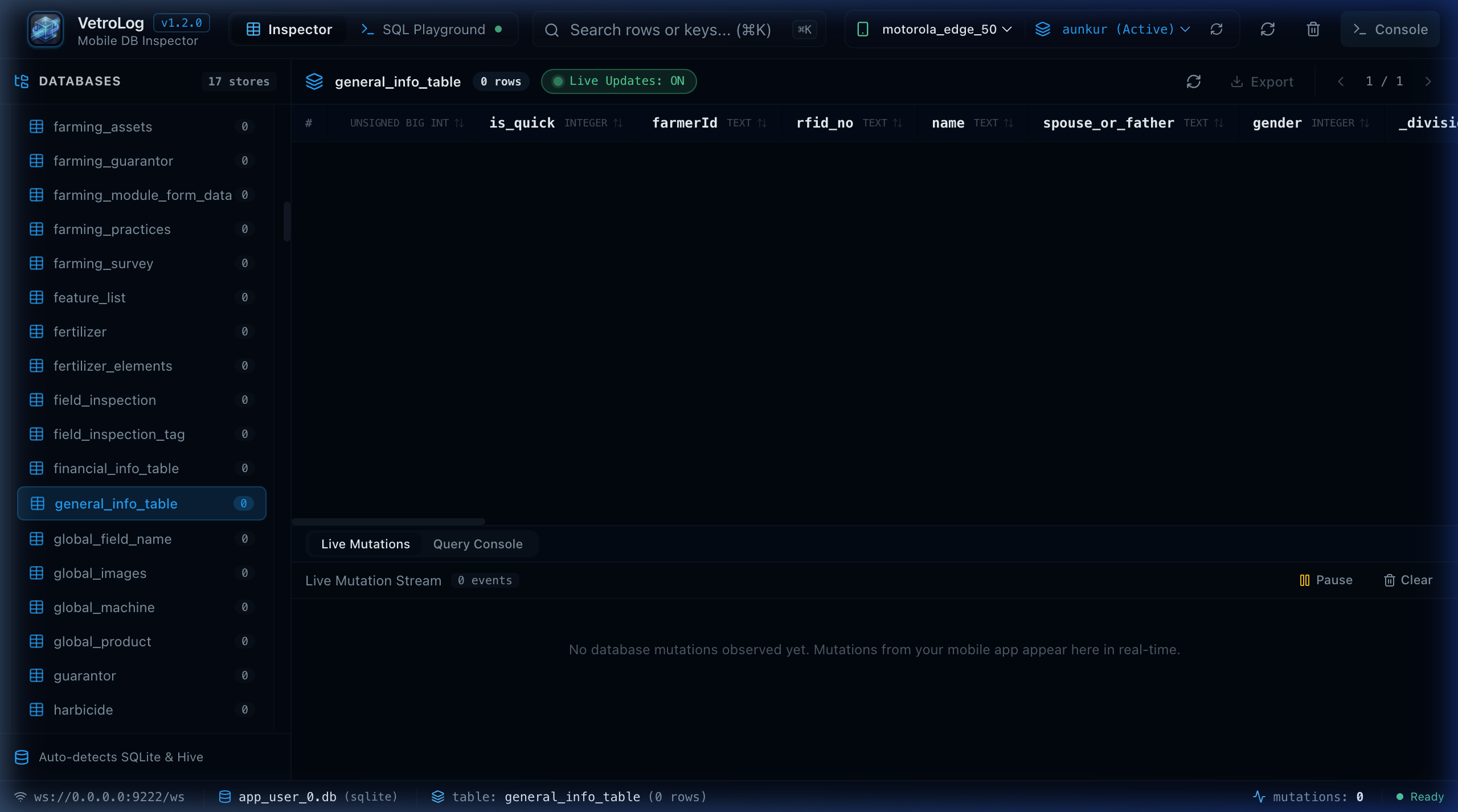
Inspect mobile SQLite databases, remote database engines (Postgres, MySQL, MariaDB, MSSQL, Redis), and double-click workspace .db files directly inside your editor.
Choose the pre-compiled installer for your operating system. Free, open-source, and updated with every release.
Inspect mobile SQLite over ADB, remote databases (PostgreSQL, MySQL, SQLite, MSSQL, Redis), and double-click workspace .db files directly inside Visual Studio Code.
Universal binary runs natively at maximum performance on both Apple Silicon and Intel Macs.
👉 See the macOS Installation Guide for Gatekeeper first-launch tips.
Zero-install portable package. Extract and run vetrolog.exe directly. Also installable via winget install Hifzio.VetroLog and Scoop.
👉 See the Windows Installation Guide for package managers & setup details.
GTK3 + WebKit2GTK desktop build. Install with sudo dpkg -i VetroLog-Linux-amd64.deb or extract the standalone tarball. Also available via Snap and AUR.
👉 See the Linux Installation Guide for Snap (snap install vetrolog) and AUR (yay -S vetrolog-bin).
Official VS Code Extension
Inspect mobile SQLite databases, remote database engines (Postgres, MySQL, MariaDB, MSSQL, Redis), and double-click workspace .db files directly inside your editor.
Zero SDK Boilerplate
No SDK installation or network listeners required. VetroLog securely accesses app databases directly via Android Debug Bridge (run-as).
Real-Time WAL Auto-Sync
Monitors SQLite Write-Ahead Logging (-wal) and Shared Memory (-shm) files live. Table data updates instantaneously on desktop when writes occur.
Intelligent SQL Console
Multi-tab query editor with dot-notation column autocomplete, schema awareness, and execution timing.
Visual Query Plan & 60 FPS Profiler
Evaluates EXPLAIN QUERY PLAN visually with high-cost table scan alerts, and benchmarks latency against the mobile 16.6ms UI frame budget.
Natural Language AI
Translates plain English into optimized SQLite queries using Google Gemini 2.5 Flash, OpenAI, or local Ollama models.
Multi-Platform & Web Mode
Native desktop application on macOS, Windows, and Linux, plus standalone headless Web Server mode (./vetrolog --web).